Design the element once. The line builds it exactly
Randek Flow carries the element from your CAD system to the finished element, and brings back what the line actually did. No re-typing, no spreadsheets in between.
From design office to factory floor, and back
The same element data moves through every step without manual handovers, and what production did feeds the next plan. Select a step to read more.
Dashed blue: your own systems. Yellow: the format and the interface that connect them to the line.
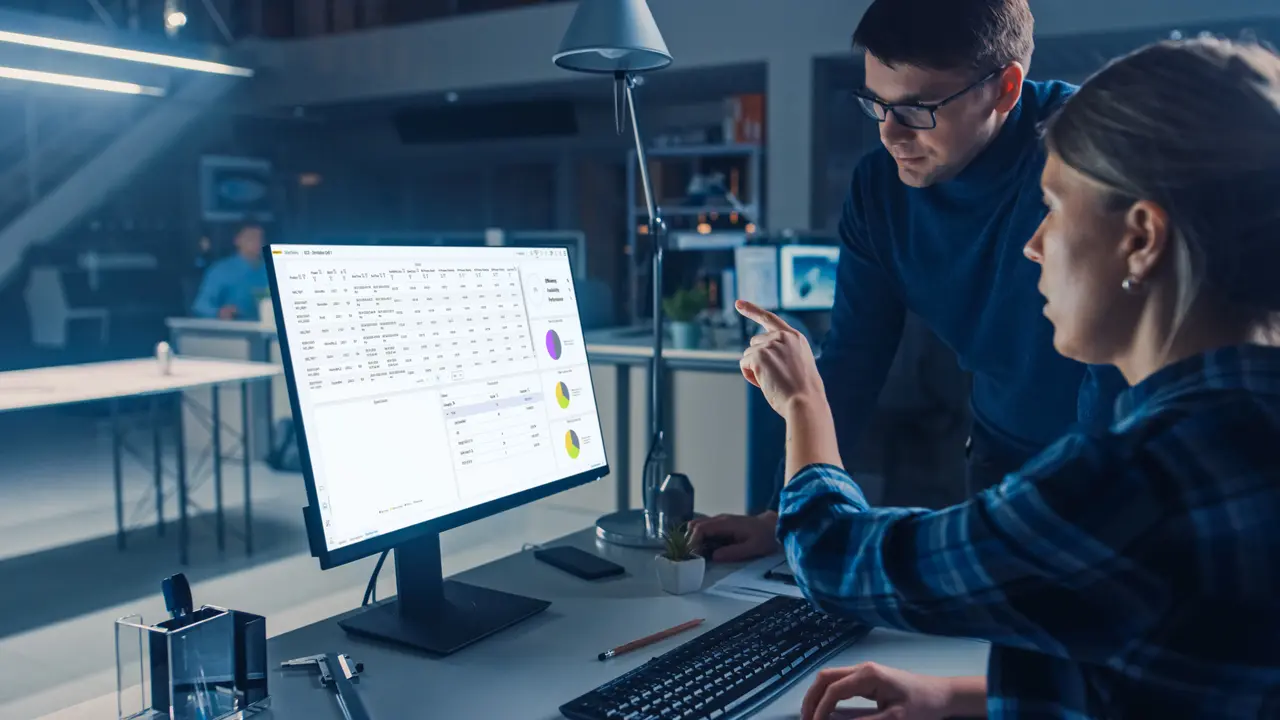
Your CAD model leaves as one CDT file
Your CAD system exports the element as one CDT file, Randek’s own format, developed and refined over decades of production. It describes the element down to every operation the line will perform, so nothing is typed in again on the floor.
- Element
- Dimensions, type, project and production sequence
- Structure
- Studs, plates, noggins and joists
- Layers
- Sheathing, insulation and membranes
- Operations
- Nailing, sawing, routing, drilling and marking
Works with the CAD you use: hsbcad, SEMA, Vertex or other, via CDT or API
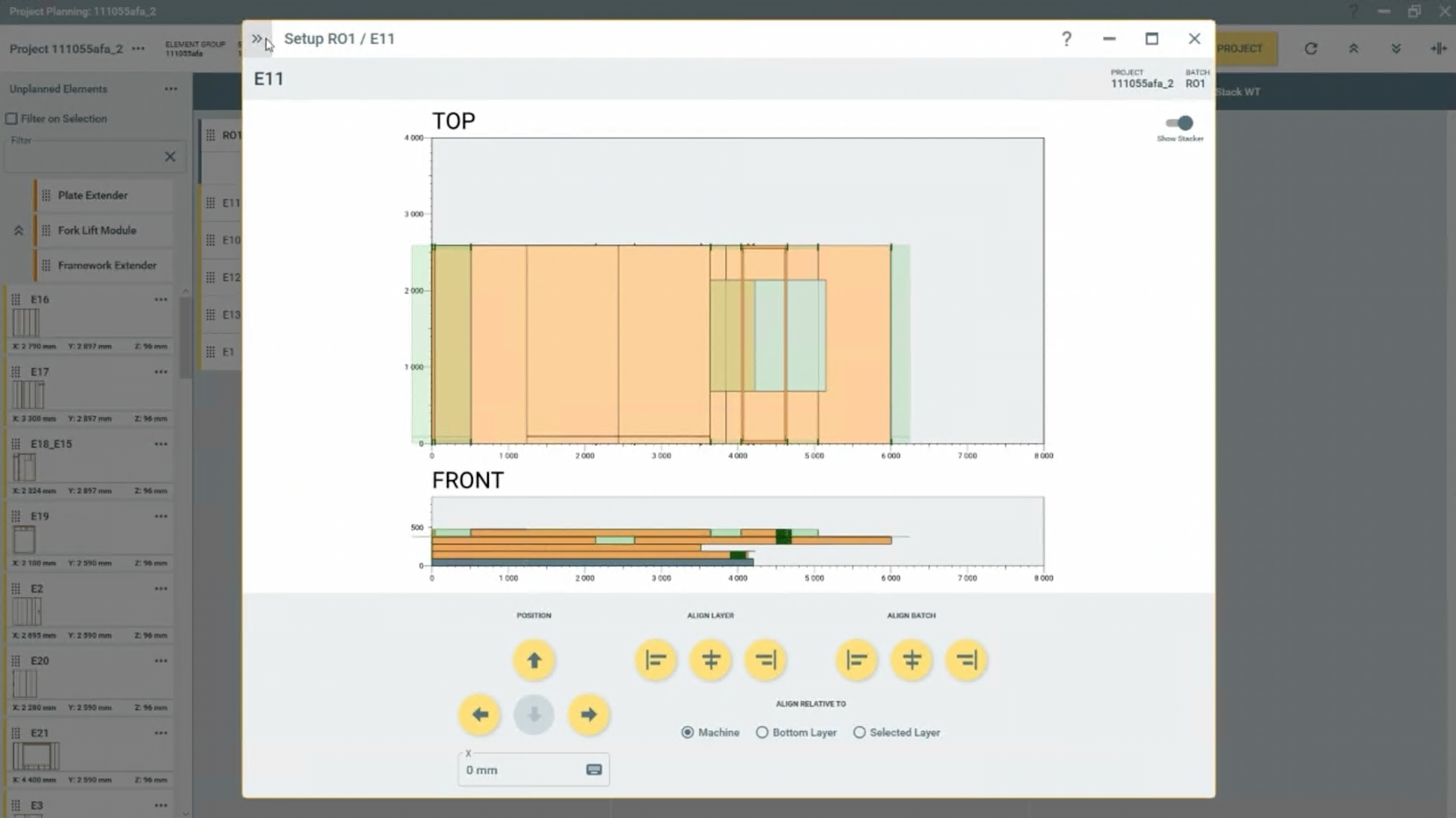
Randek Planner sequences and checks the run
A production plan is a sequence, not a list: it has to respect the machines, the routes and what is on the table. Planner does that reasoning, and flags an incomplete file before it reaches a machine.
- Combine elements from several projects into one run across lines and stations
- Warnings for a missing nail plate or missing fasteners, with a link to the element
- Production-time estimates per element show where the bottleneck is
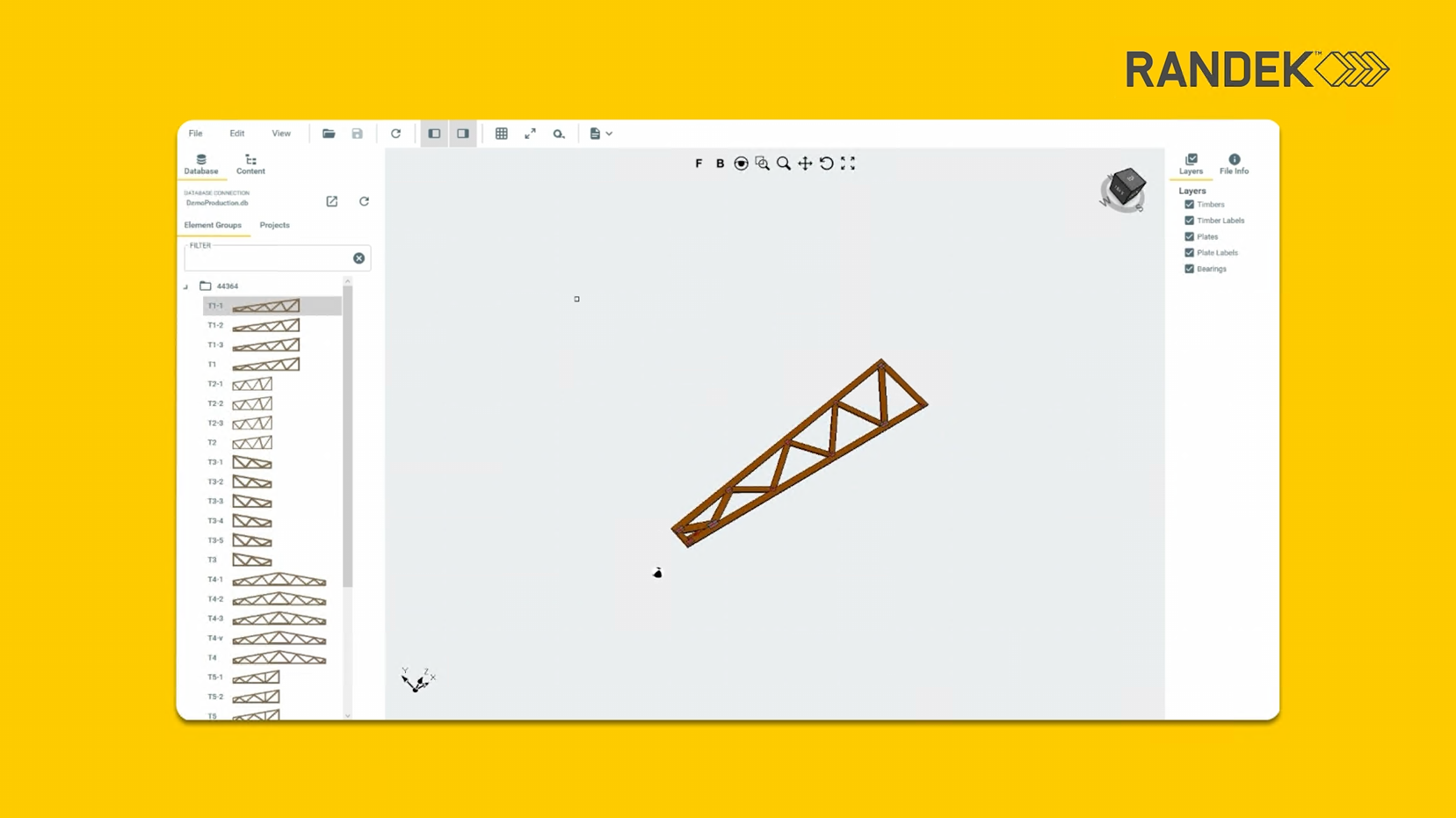
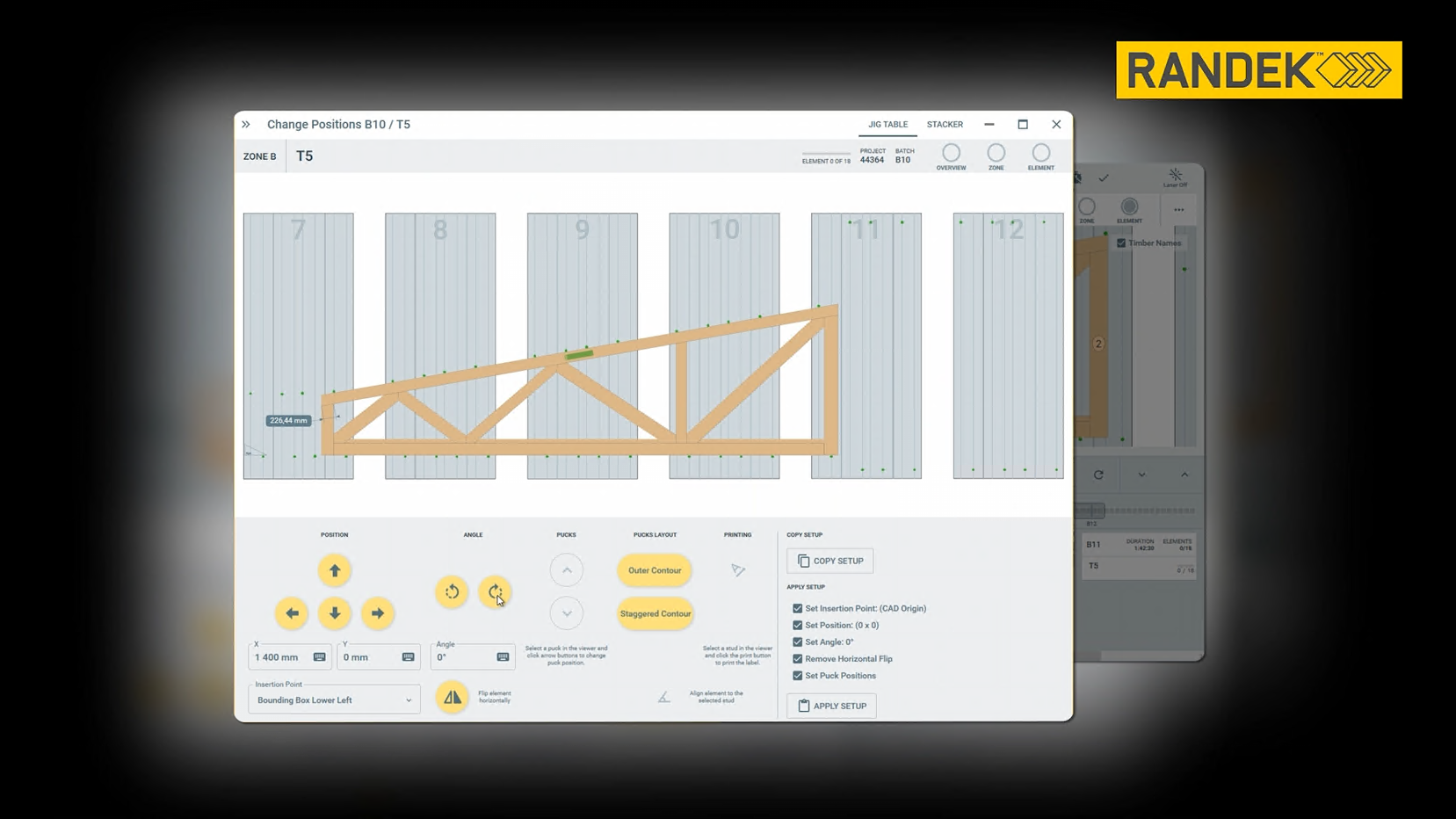
A screen built for every station
Every station has a different job, so every station gets a different screen, showing the operator only what that station needs. Project data comes in from Planner; production data goes out to MyRandek.
- The running process and current workpiece, where the operator stands
- The queue and the jobs ahead, with alerts when a magazine runs low
- Jog, calibrate or enter service mode with clear touch control
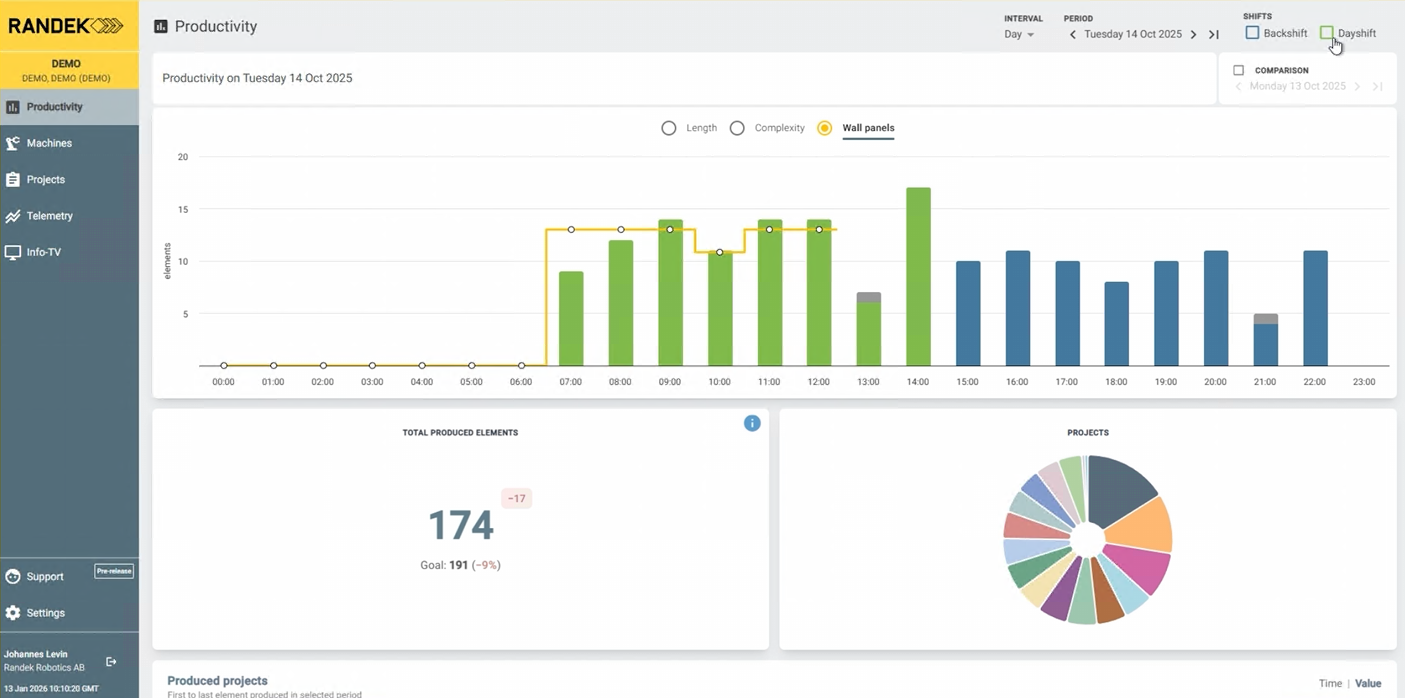
MyRandek shows what the line actually did
Data collected from the machines themselves, not typed in afterwards: what ran, what stopped it and where the hours went.
- Live output by length, complexity or elements, against your targets
- Colour-coded timelines expose short stops, starved stations and blocks
- Info-TV puts the same numbers on screens in the office and on the floor
What the line did feeds the next plan in Randek Planner.
The machine is half the job. The data is the other half
The hard part of automation is getting a complete, unambiguous description of the element into the machine. Without an established format, a supplier has four options, and each one moves work onto the customer. CDT has already met the awkward cases: angled studs in gables, sub-panels, openings across sheathing layers, elements turned mid-flow.
- An interface per projectOne post-processor per CAD system, customer and line, maintained for the life of the machine.
- Ask the CAD vendorsAn export with a handful of users never collects the fixed edge cases that make it trustworthy.
- A generic formatIFC and DXF describe geometry, not which fastener, tool and path, in which order.
- Re-enter it at the machineThe element is described a second time, by hand, where a mistake costs the most.
Already have a planning system? Keep it
Through Randek API, your ERP, MES or planning system can drive the line directly, and production data flows back in real time, without anyone copying numbers between systems.
- REST APIInstruct
- Create, queue and control production.
- GraphQL APIQuery
- Exactly the production data you need.
- MQTT eventsListen
- Machine events as they happen, for live dashboards.
- IIoT readyMonitor
- Machines report their own state continuously.
Start where you are
You do not need all of Randek Flow on day one. Each part you add makes the others more useful.
Before you ask
Do we have to change CAD system?
No. If your CAD system can export element data, the line can build from it, and you are not locked to one CAD vendor for the life of the machine.
Will it work with our existing machines?
MyRandek and the HMI are built for Randek machines. For mixed shop floors, the APIs and MQTT broker are the integration route.
Do I have to take all of Randek Flow at once?
No. The format and the line come together, and you add the rest as you need it: most customers start with what ships with the line and add MyRandek when they want the numbers. None of the parts is a prerequisite for buying the line.
Is Randek Viewer another program my operators have to run every day?
No. Planner, the HMI and MyRandek are used every day. Viewer sits behind Randek Planner and opens only when a file flags a warning, so you can inspect and correct the element in 3D and carry on. No extra routine, no screen to staff.
Talk to Randek
Tell us what you build today and where the bottleneck is. We will point you to the right team: locally where we have one, from Sweden where we do not.